
If you’re looking for a powerful way to stream live TV, movies, and shows in 2026, you’ve probably heard about IPTV Smarters Lite. This streaming application has become incredibly popular among cord-cutters who want flexibility, convenience, and a user-friendly interface. But what exactly makes IPTV Smarters Lite stand out from the crowd?
In this comprehensive guide, we’ll walk you through everything you need to know about IPTV Smarters Lite. Whether you’re a first-time user or someone looking to maximize your streaming experience, you’ll find practical tips and insights here.
What Is IPTV Smarters Lite and Why It Matters
IPTV Smarters Lite is a lightweight streaming player designed specifically for IPTV services. Unlike traditional cable or satellite TV, it uses internet protocol to deliver content directly to your device. This means you’re not locked into expensive contracts or limited channel packages.
Here’s the thing: IPTV Smarters Lite doesn’t provide content itself. Instead, it acts as a player that works with your IPTV subscription. Think of it like a remote control for your streaming service—it organizes and displays your channels, movies, and series in an easy-to-navigate format.
The app supports multiple formats, including M3U URLs and Xtream Codes API. This flexibility makes it compatible with virtually any IPTV provider you choose.
Key Features That Set IPTV Smarters Lite Apart
What surprises most people is just how feature-rich this lite version actually is. Despite its smaller size compared to the full version, it packs quite a punch. Let’s break down the standout features:
- User-friendly interface that’s easy to navigate even for beginners
- Support for live TV, movies, and series all in one place
- EPG (Electronic Program Guide) integration for scheduling
- Parental controls to keep content safe for families
- Multi-screen support allowing you to use it on various devices
- Built-in player with subtitle support and audio track selection
- Favorites list to quickly access your most-watched channels
These features make IPTV Smarters Lite an excellent choice for anyone who values both simplicity and functionality.
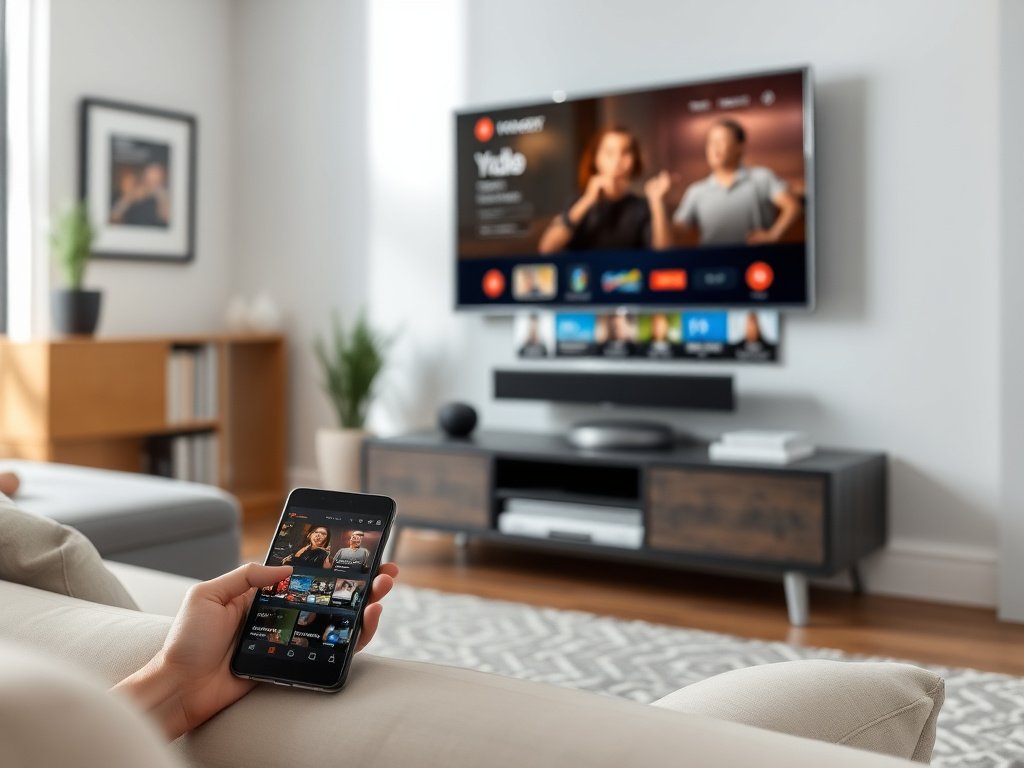
How to Set Up IPTV Smarters Lite in Minutes
Setting up IPTV Smarters Lite is surprisingly straightforward. First, you’ll need to download the app to your device. It’s available for Android, iOS, Windows, and even smart TVs. Once you’ve got it installed, the real magic happens.
Follow these simple steps to get started:
- Open IPTV Smarters Lite and select “Add New User”
- Choose your login method (Xtream Codes API or M3U URL)
- Enter the credentials provided by your IPTV service provider
- Name your playlist for easy identification
- Click “Add User” and wait for the app to load your content
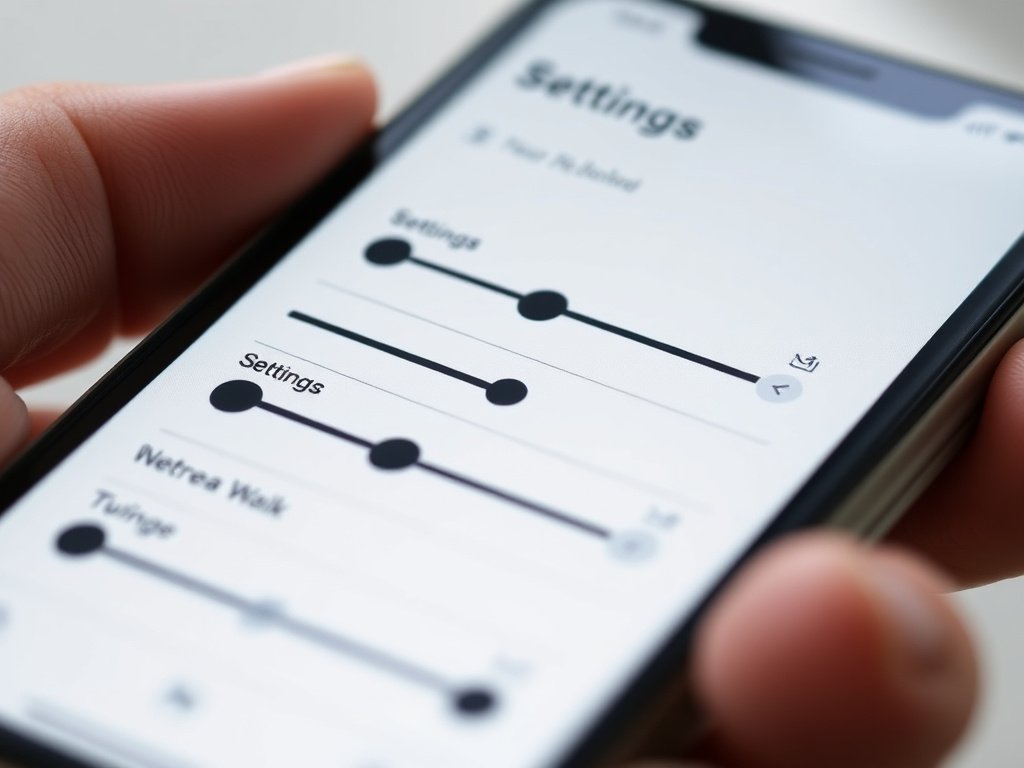
In addition to the basic setup, you can customize various settings. For example, you can adjust video quality based on your internet speed, change the app’s theme, or set up parental controls. The settings menu is intuitive and doesn’t require any technical expertise.
Troubleshooting Common Setup Issues
Sometimes things don’t go perfectly on the first try. However, most issues are easy to fix. If your playlist won’t load, double-check that you’ve entered the correct URL or login credentials. Also, make sure your internet connection is stable.
Another common problem involves playback buffering. Therefore, try reducing the video quality in settings or closing other apps that might be using bandwidth. These simple fixes solve about 90% of common issues users encounter.
Why IPTV Smarters Lite Beats Traditional Cable
Let’s be honest—traditional cable TV is becoming outdated. IPTV Smarters Lite offers several advantages that make it a superior choice for modern viewers. For starters, it’s significantly more affordable than most cable packages.
Next, consider the flexibility. You’re not tied to a specific room or device. Want to watch on your phone during your commute? No problem. Prefer the big screen in your living room? That works too. This multi-device support changes how we consume content.
Furthermore, IPTV Smarters Lite gives you control over what you watch and when. There’s no waiting for your favorite show to air at a scheduled time. Everything is available on-demand, organized neatly in categories.
Compatible Devices for IPTV Smarters Lite
One of the biggest advantages of IPTV Smarters Lite is its wide device compatibility. You can use it on practically any modern device you already own. This versatility means you won’t need to buy special equipment.
| Device Type | Compatibility | Best For |
|---|---|---|
| Android Phones/Tablets | Excellent | On-the-go streaming |
| iOS Devices | Excellent | Apple ecosystem users |
| Smart TVs | Very Good | Family viewing |
| Windows PC | Excellent | Desktop streaming |
| Fire TV Stick | Excellent | Budget-friendly home setup |
The cross-platform nature of IPTV Smarters Lite means you can start watching on one device and continue on another. Your favorites, settings, and watch history sync across platforms when you use the same login credentials.
Optimizing IPTV Smarters Lite for Your Device
Different devices perform differently, so it helps to optimize your settings accordingly. On mobile devices, you might want to lower video quality when using cellular data to avoid eating through your data plan. For smart TVs and computers with strong Wi-Fi connections, you can max out the quality settings for crystal-clear viewing.
Also, remember to keep your app updated. Developers regularly release improvements and bug fixes that enhance performance across all platforms.
Getting the Most From Your IPTV Smarters Lite Experience
Now that you’ve got the basics down, let’s talk about advanced tips that’ll take your streaming to the next level. First, take advantage of the EPG feature. This electronic program guide shows you what’s currently playing and what’s coming up, just like traditional TV guides.
You can also organize your content with favorites lists. Instead of scrolling through hundreds of channels every time, add your most-watched ones to favorites for instant access. This small step saves tons of time in the long run.
Another pro tip? Use the parental controls if you have kids in the house. You can lock specific channels or content categories with a PIN, ensuring age-appropriate viewing.
Enhancing Your Streaming Quality
Quality matters when you’re settling in for a movie night or catching the big game. IPTV Smarters Lite includes several settings to optimize your viewing experience. The app automatically adjusts to your internet speed, but you can also manually select your preferred resolution.
For the best experience, make sure you have at least a 10 Mbps connection for HD streaming. If you’re experiencing buffering, try connecting your device directly to your router with an ethernet cable rather than relying on Wi-Fi.
Where to Get Quality IPTV Services for Smarters Lite
Remember, IPTV Smarters Lite is just the player—you’ll need an IPTV subscription to actually watch content. Choosing the right provider makes all the difference in your streaming experience. Look for providers with positive reviews, reliable uptime, and responsive customer support.
When evaluating providers, check if they offer a trial period. This lets you test the service before committing to a long-term subscription. Also, verify that they support the formats IPTV Smarters Lite uses (M3U or Xtream Codes).
According to industry experts, the IPTV market continues growing rapidly in 2026, with more providers entering the space. This competition benefits consumers through better pricing and improved service quality.
Comparing IPTV Smarters Lite to Other Players
You might wonder how IPTV Smarters Lite stacks up against other streaming apps. The truth is, it holds its own quite well. While there are alternatives like TiviMate or Perfect Player, IPTV Smarters Lite offers a unique balance of features and simplicity.
Some players have steeper learning curves or require paid subscriptions for basic features. In contrast, IPTV Smarters Lite provides most functionality for free, making it accessible to everyone. You can explore Smarters Player Lite for more information about what this player offers.
What sets it apart is the clean interface that doesn’t overwhelm new users. At the same time, it includes advanced features that power users appreciate. That sweet spot between simplicity and capability is hard to achieve.
When to Choose IPTV Smarters Lite Over Competitors
IPTV Smarters Lite is ideal if you want something that works right out of the box without complicated setup procedures. It’s also perfect for families due to its robust parental controls and intuitive design that even less tech-savvy family members can navigate.
However, if you need extremely advanced customization options or are willing to pay for premium features, other players might suit specific niche needs. For most users, though, IPTV Smarters Lite hits the sweet spot perfectly.
Staying Safe While Using IPTV Services
Here’s something important we need to address: online safety. When streaming content through any IPTV service, you should take basic security precautions. First, only subscribe to legitimate IPTV providers with proper licensing agreements.
In addition, consider using a VPN (Virtual Private Network) when streaming. This adds an extra layer of privacy and can help prevent throttling by your internet service provider. Many users report smoother streaming experiences when using reputable VPN services.
Also, be cautious about where you download the IPTV Smarters Lite app. Stick to official app stores or the official download page to avoid modified versions that might contain malware.
Future Updates and What’s Coming
The developers behind IPTV Smarters Lite actively maintain and improve the application. Throughout 2026, we’ve already seen several updates that enhanced performance and added new features. The development team listens to user feedback and regularly implements requested improvements.
Looking ahead, there’s talk of even better integration with smart home devices and voice control features. The streaming landscape evolves quickly, and IPTV Smarters Lite seems committed to staying ahead of the curve.
For the latest updates and features, check the complete channel listings and app capabilities on the official website.
Making the Switch to IPTV Smarters Lite
If you’re still on the fence about trying IPTV Smarters Lite, consider this: the streaming revolution isn’t slowing down. More people are cutting cords every month, realizing the freedom and savings that IPTV provides. You don’t have to be a tech expert to make the switch.
Start by researching reliable IPTV providers that fit your budget and content needs. Resources like specialized IPTV services can help you compare options. Then, download IPTV Smarters Lite and give it a try. Most people are surprised by how easy the transition actually is.
The money you’ll save compared to traditional cable can add up to hundreds of dollars annually. Plus, you’ll gain the flexibility to watch what you want, when you want, on whatever device you prefer. That’s the kind of freedom that’s hard to put a price on.
Taking Your First Steps
Ready to get started? The first step is simple: download IPTV Smarters Lite from your device’s app store or the official website. Next, sign up with an IPTV provider that offers the channels and content you care about. Many providers offer affordable monthly plans, so you’re not locked into long contracts.
Once you’ve entered your login information into IPTV Smarters Lite, you’ll have access to thousands of channels, movies, and shows. Take some time to explore the interface, set up your favorites, and adjust the settings to your liking. Before you know it, you’ll wonder why you didn’t make the switch sooner.
For additional resources and support, explore the pricing plans and options available through official channels. The community around IPTV Smarters Lite is helpful and welcoming, so don’t hesitate to seek advice if you run into questions.
Streaming in 2026 has never been more accessible or affordable. IPTV Smarters Lite puts the power of choice back in your hands, letting you create a personalized entertainment experience that fits your lifestyle perfectly.