
If you’ve been exploring IPTV options in 2026, you’ve probably heard about Smarters Player. It’s become one of the most talked-about streaming solutions out there, and honestly, for good reason. Whether you’re tired of cable bills or just want more control over what you watch, this player’s got features that’ll make you wonder why you didn’t switch sooner.
Here’s the thing: not all IPTV players are created equal. Some crash constantly, others have interfaces that look like they’re from 2010. Smarters Player stands out because it combines reliability with actual usability. Let’s break down everything you need to know about this platform, from what makes it tick to how you can get the most out of it.
What Exactly Is Smarters Player?
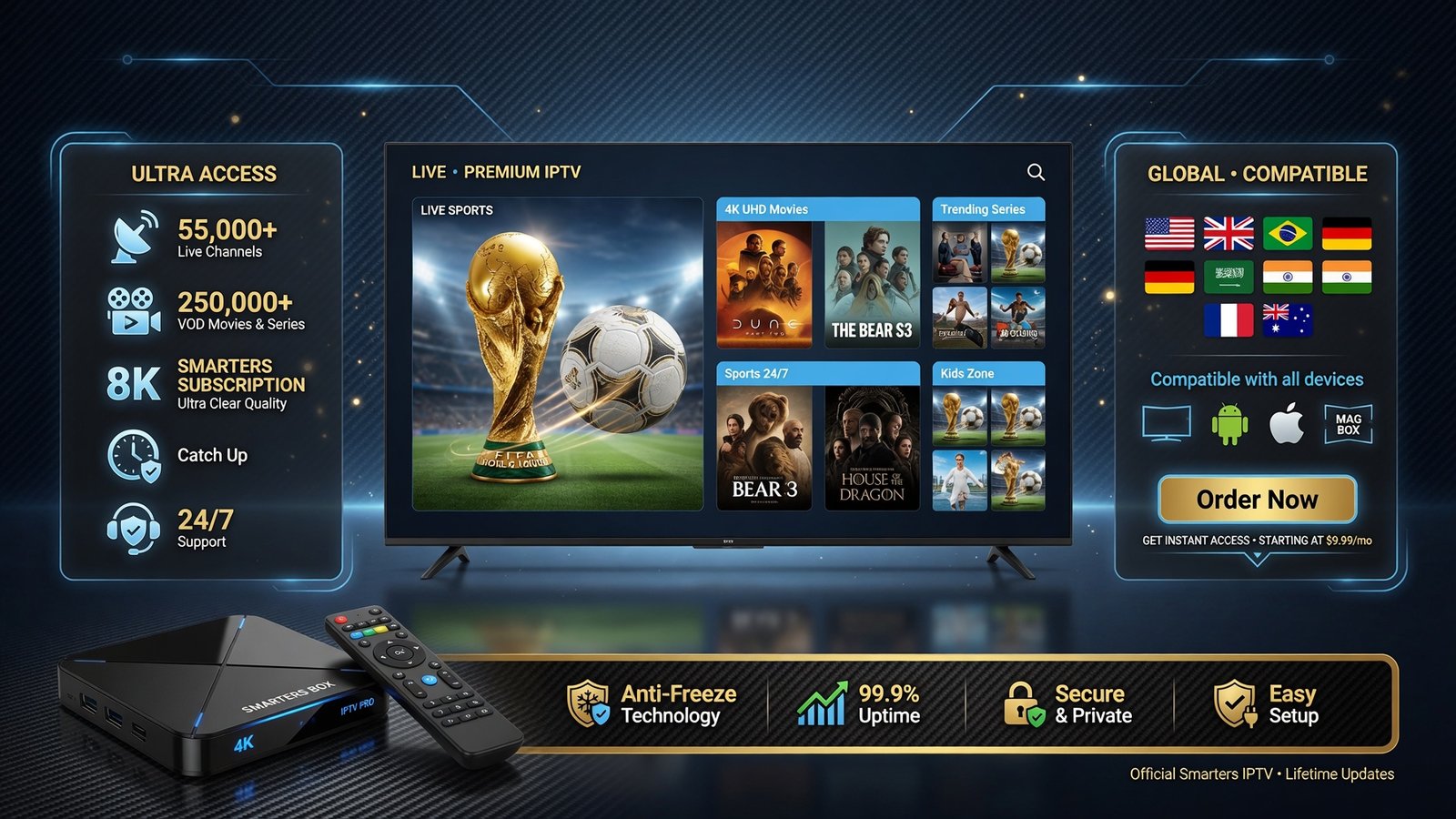
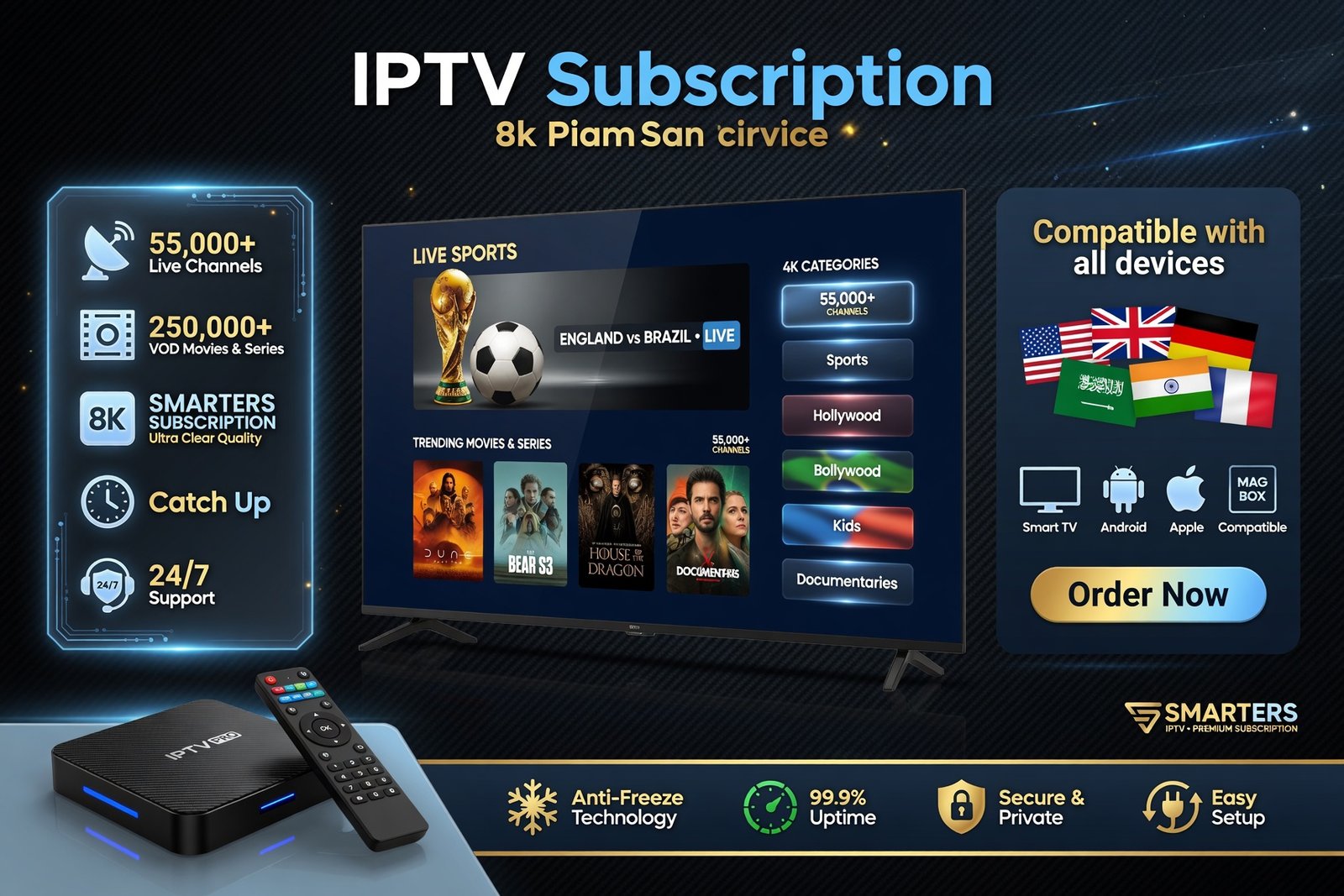
At its core, Smarters Player is an IPTV application that lets you stream live TV, movies, and series through your internet connection. Think of it as a sophisticated media player that connects to IPTV services, giving you access to thousands of channels and on-demand content. It’s not a streaming service itself—you’ll need an IPTV subscription—but it’s the vehicle that makes your streaming experience smooth and enjoyable.
What surprises most people is how versatile it is. You can run Smarters Player on pretty much any device you own: smartphones, tablets, smart TVs, Fire Stick, even computers. This cross-platform compatibility means you’re not locked into one ecosystem. Started watching something on your phone during your commute? Pick it right back up on your TV when you get home.
The platform gained serious traction over the past few years because it addressed real pain points. According to recent IPTV industry analyses, user-friendly interfaces and reliability are the top two factors people consider when choosing streaming solutions. Smarters Player delivers on both fronts.
Key Features That Make Smarters Player Worth Your Time
Let’s talk about what you’re actually getting. The feature list isn’t just marketing fluff—these are tools you’ll use regularly.
User Interface and Navigation
The interface is clean and intuitive. You won’t need a manual to figure out where things are. Categories are clearly labeled, search functionality actually works (revolutionary concept, right?), and you can customize your home screen to show what matters most to you. There’s also a built-in EPG (Electronic Program Guide) that shows you what’s on now and what’s coming up, just like traditional cable.
Multi-Screen and Picture-in-Picture
Want to watch two games simultaneously? The multi-screen feature lets you do exactly that. The picture-in-picture mode is also surprisingly useful—you can keep an eye on one show while browsing for something else. It’s these little conveniences that add up to a better overall experience.
Parental Controls
If you’ve got kids, you’ll appreciate the parental control options. You can lock specific channels or categories, set up PIN protection, and create separate profiles with age-appropriate content. It’s comprehensive without being complicated to set up.
Recording and Catch-Up TV
Miss your favorite show? Many IPTV services through Smarters Player offer catch-up functionality, letting you watch programs from the past few days. Some subscriptions even include recording capabilities, though this depends on your specific IPTV provider.

Getting Started with Smarters Player
Ready to dive in? Here’s what you need to do:
- Get an IPTV subscription – Smarters Player is the vehicle, but you need fuel. Choose an IPTV service that provides Xtream Codes API credentials.
- Download the app – Visit Download Smarters Player Lite and grab the version for your device. Installation takes just a couple of minutes.
- Enter your credentials – You’ll need the server URL, username, and password from your IPTV provider. Enter these in the app’s login screen.
- Customize your experience – Set up your favorites, adjust playback settings, and organize channels the way you want them.
- Start streaming – That’s it. You’re ready to watch.
The whole process typically takes less than 10 minutes from start to finish. If you run into issues, the Smarters Player Lite community has tons of troubleshooting resources.
Smarters Player vs. Other IPTV Solutions
How does it stack up against the competition? Here’s a quick comparison:
| Feature | Smarters Player | VLC Player | Kodi |
|---|---|---|---|
| User-Friendly Interface | Excellent | Basic | Moderate |
| EPG Support | Built-in | Limited | Requires Add-ons |
| Multi-Screen | Yes | No | Limited |
| Parental Controls | Comprehensive | None | Basic |
| Setup Complexity | Simple | Simple | Complex |
| Cross-Platform | Excellent | Good | Good |
VLC is great if you’re just playing local files, but it’s pretty bare-bones for IPTV. Kodi offers tons of customization, but let’s be real—most people don’t want to spend hours configuring add-ons and scrapers. Smarters Player hits that sweet spot where it’s powerful enough for enthusiasts but simple enough for your parents to use.
Tips to Maximize Your Smarters Player Experience
Want to get even more out of the platform? Here are some insider tips:
- Organize with favorites – Don’t scroll through hundreds of channels every time. Mark your go-to channels as favorites and access them instantly.
- Use the search function – Looking for something specific? The search bar is your friend. It’s faster than browsing and finds content across all categories.
- Adjust video settings – If you’re experiencing buffering, try lowering the video quality in settings. Sometimes your internet connection just can’t handle 4K, and that’s okay.
- Enable auto-update – Keep your app current by enabling automatic updates. New features and bug fixes roll out regularly in 2026.
- Create multiple profiles – Different family members, different preferences. Set up separate profiles so everyone gets personalized recommendations and favorites.
- Check out the player settings – You can adjust things like subtitle size, audio delay, and aspect ratio. Spend five minutes tweaking these to your liking.
One user I know set up separate profiles for sports, movies, and news—each with its own favorites and settings. Makes switching between different viewing modes incredibly quick.
Common Questions About Smarters Player
Is Smarters Player legal? The app itself is completely legal—it’s just a media player. However, the legality depends on your IPTV service and the content they provide. Make sure you’re using legitimate IPTV providers that have proper licensing for their content. The BBC has covered IPTV regulations extensively if you want to understand the legal landscape better.
Do you need a VPN? While not technically required, many users prefer using a VPN with their IPTV setup for privacy reasons. It’s worth considering, especially if you’re concerned about your ISP throttling streaming traffic.
What internet speed do you need? For standard definition, 5 Mbps is usually sufficient. HD content needs around 10-15 Mbps, and 4K streams require 25 Mbps or more. If you’re experiencing constant buffering, your internet speed might be the culprit rather than the app.
Pricing and Plans
The app itself is free to download, which is pretty great. Your costs come from your IPTV subscription, not the player. If you’re looking for enhanced features or want to support development, check out the Smarters Player Lite Pricing Plans to see what additional options are available.
IPTV subscription prices vary widely—anywhere from $10 to $50 per month depending on channel selection and features. Shop around and read reviews before committing to a provider. The cheapest option isn’t always the best, especially when reliability matters.
Looking Ahead: What’s Next for Smarters Player
The platform continues evolving in 2026. Recent updates have focused on improving streaming quality, adding more customization options, and enhancing the recommendation algorithm. There’s also been talk of integrating with smart home systems, though we’ll see how that develops.
What’s clear is that Smarters Player isn’t resting on its laurels. The development team actively listens to user feedback and rolls out updates that address real needs. That’s refreshing in a market where some apps get abandoned after initial release.
If you’re serious about cutting the cord or just want a better streaming experience, Smarters Player deserves your attention. It’s not perfect—no software is—but it’s consistently reliable, feature-rich, and actually pleasant to use. Those three things together are rarer than you might think in the IPTV world.
Ready to take control of your streaming? Head over to Smarters Player Lite and see what you’ve been missing. Your remote control will thank you.